amvjedi
Member
-
Joined
-
Last visited
Everything posted by amvjedi
-
Thank you!! I will turn the debugging on and try!! - Thanks, Angel
-
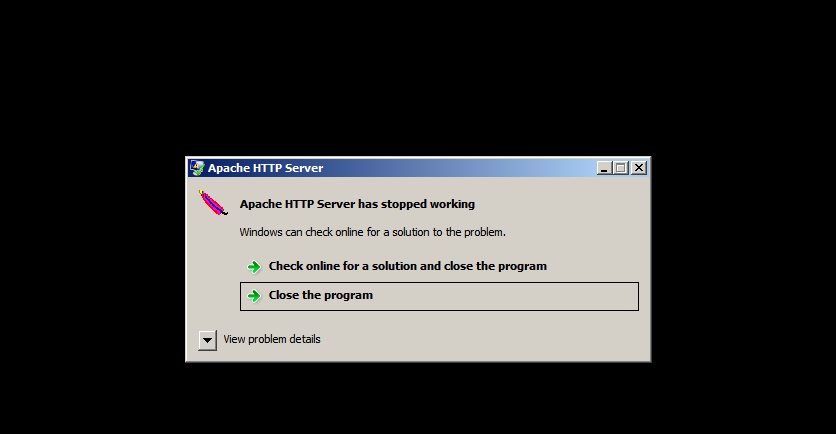
We are currently running UniServer Zero XI 11.3.3 on Windows 2008 Server Standard. I had the previous version running and thought that is why the Apache would always stop working. So I upgraded and I am still having the same issue. The service stops randomly and inconsistently. We use this to run Moodle for the students to access their courses. I tried to install the Service Protector program, but that doesn't work either, because it doesn't see the httpd_z service in the list. I have attached the error I always get, if I hit the Close the Program button, it goes right back up. It is very hard to find out when this error is happening, usually it comes from complaints that the site is down :-(. Any help with this would be appreciated. We have been having the same issue for about 6 months now. Thanks, Angel