ReaperSoulMate
Member
-
Joined
-
Last visited
-
 ReaperSoulMate changed their profile photo
 -
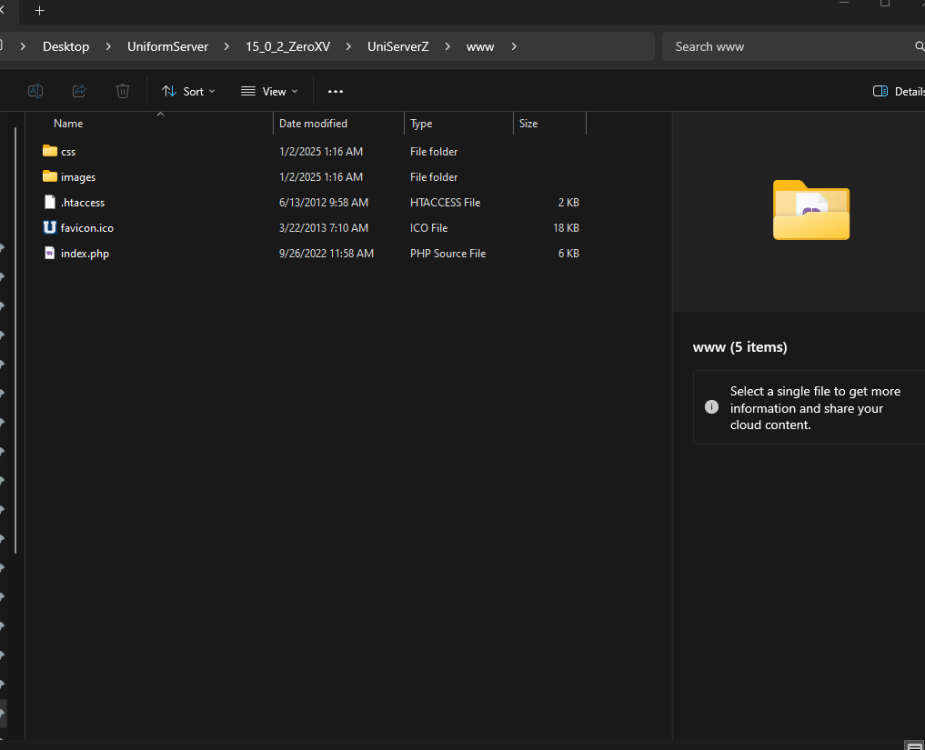
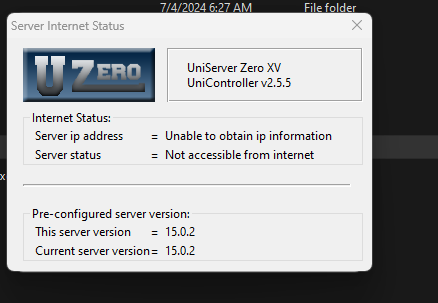
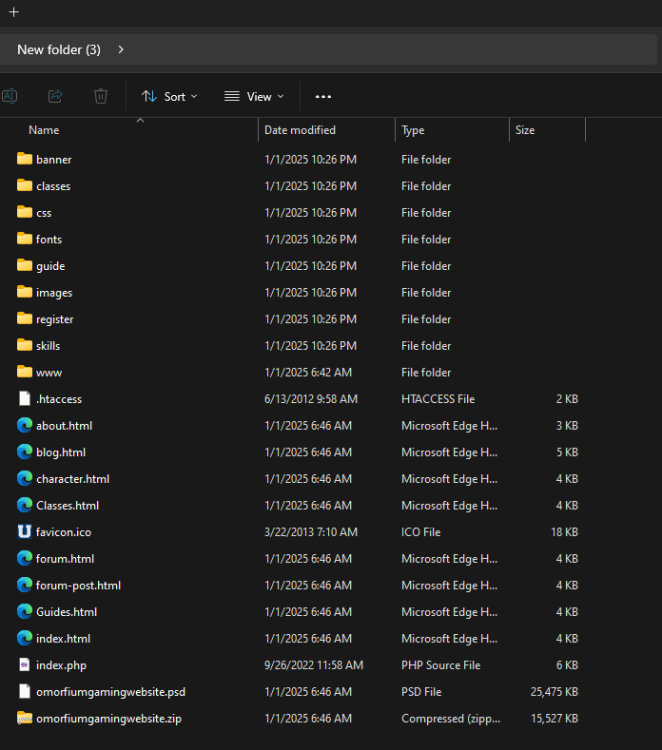
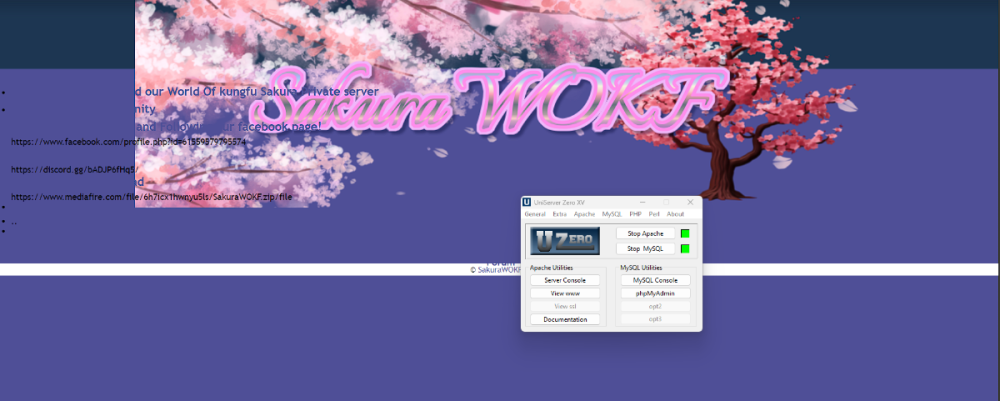
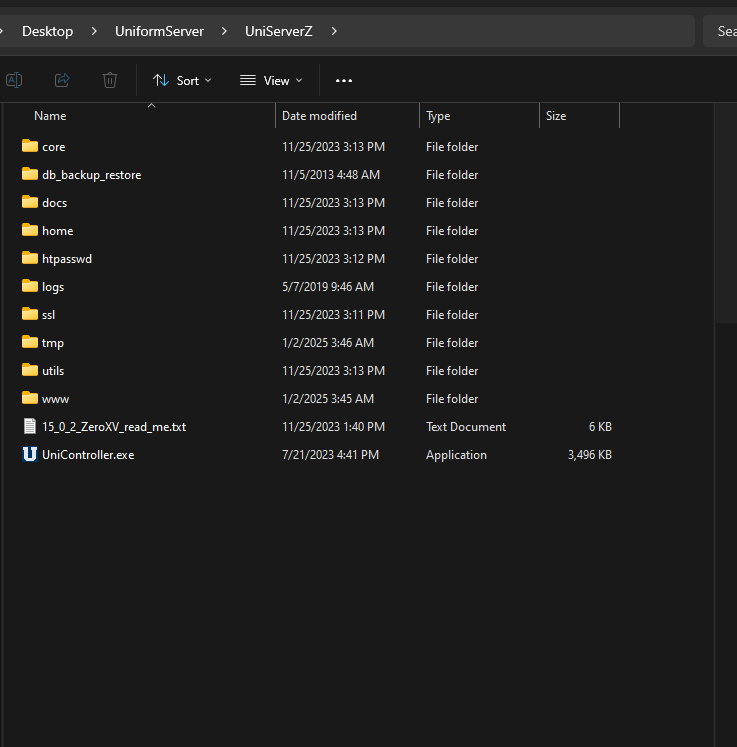
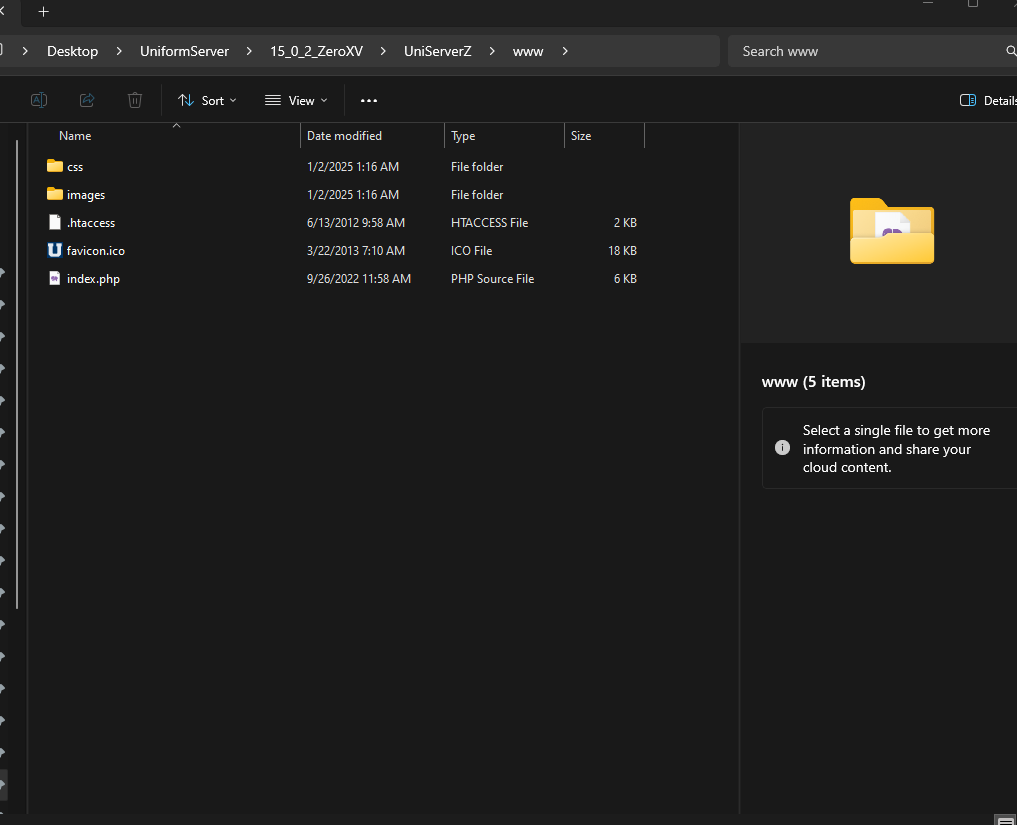
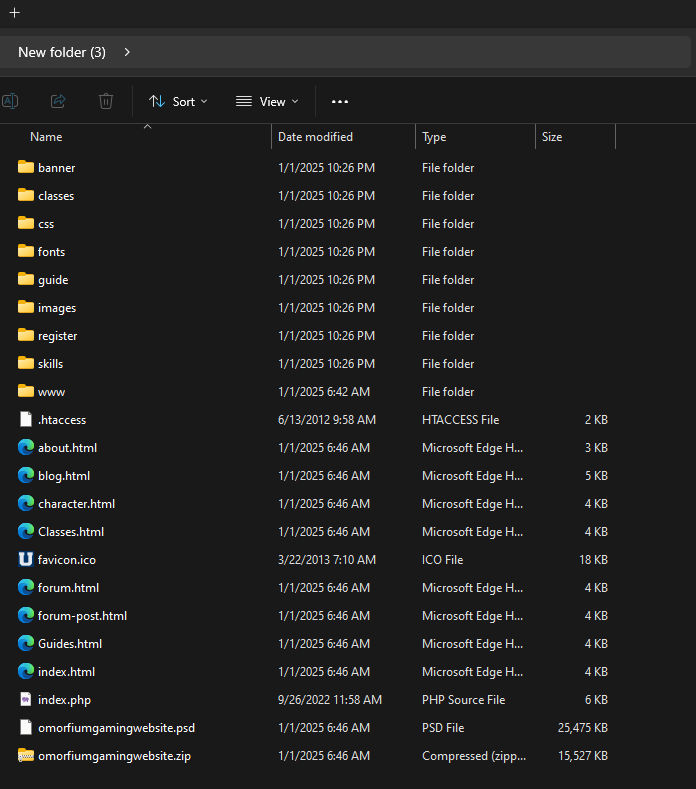
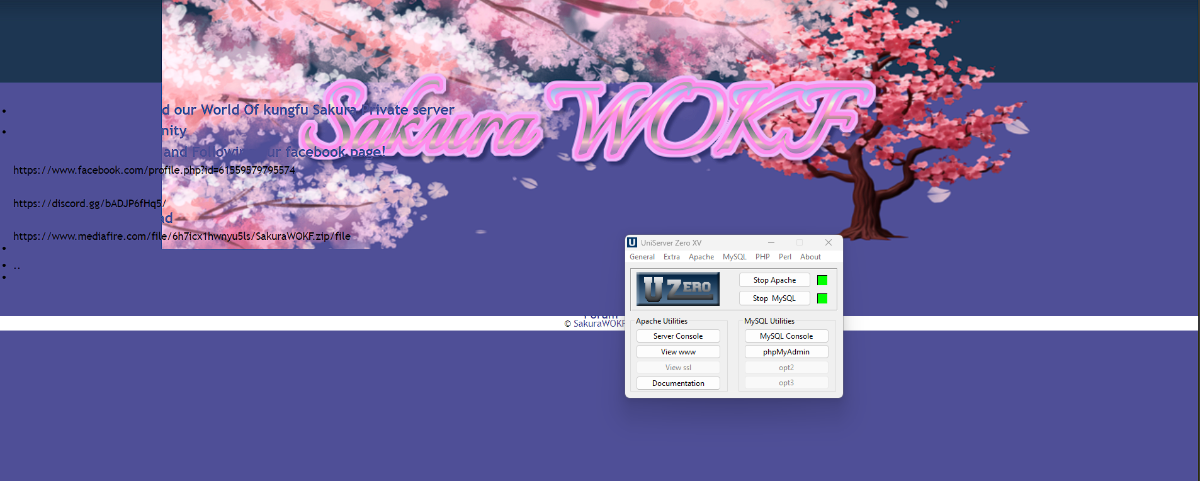
Hey guys I have been having loads of trouble understanding this software I had it running before I don't know what I did wrong I wanted to launch my own video game website and my own template on www file, but it doesn't show up another thing is outside viewers cannot see my creation I also have trouble explaining myself to certain people about things like this I either call it this or that and this and I'm having issues I don't know how to go into full detail about it but I can show screen shots of my issues I'm so excited this software exist and I really want to make something with it. I love creating and making artistic things and this software is so amazing for that! then it also shows in one of the screenshots that it doesn't show up on the internet when I got the IPV as 192.168.0.1 then I tried my profred IP then that doesn't show as well I also know my DNS info to for the software I wish there was an Indepth video how to fully set up a website